
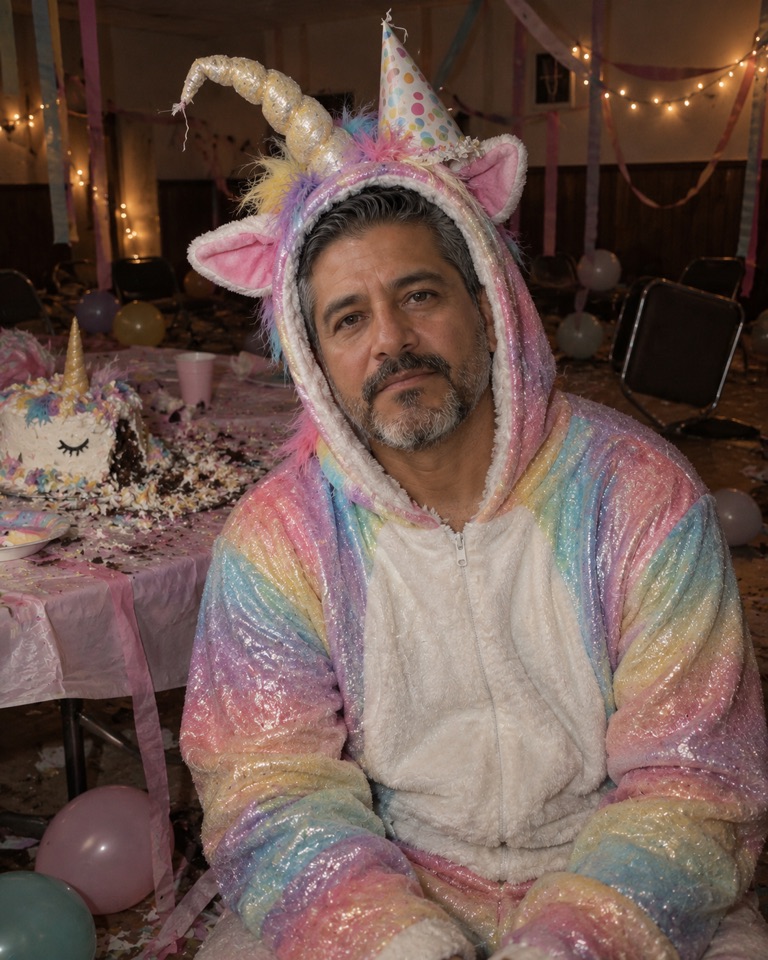
What the Buddy the Unicorn trend actually is
Buddy is a 2026 horror film built around a children's-entertainment unicorn mascot, the kind of rainbow character that should be harmless. In October it put "Buddy the Unicorn" at the top of Google's list of rising Halloween costume searches, ahead of the usual superheroes, and related searches such as "buddy unicorn costume" climbed with it.
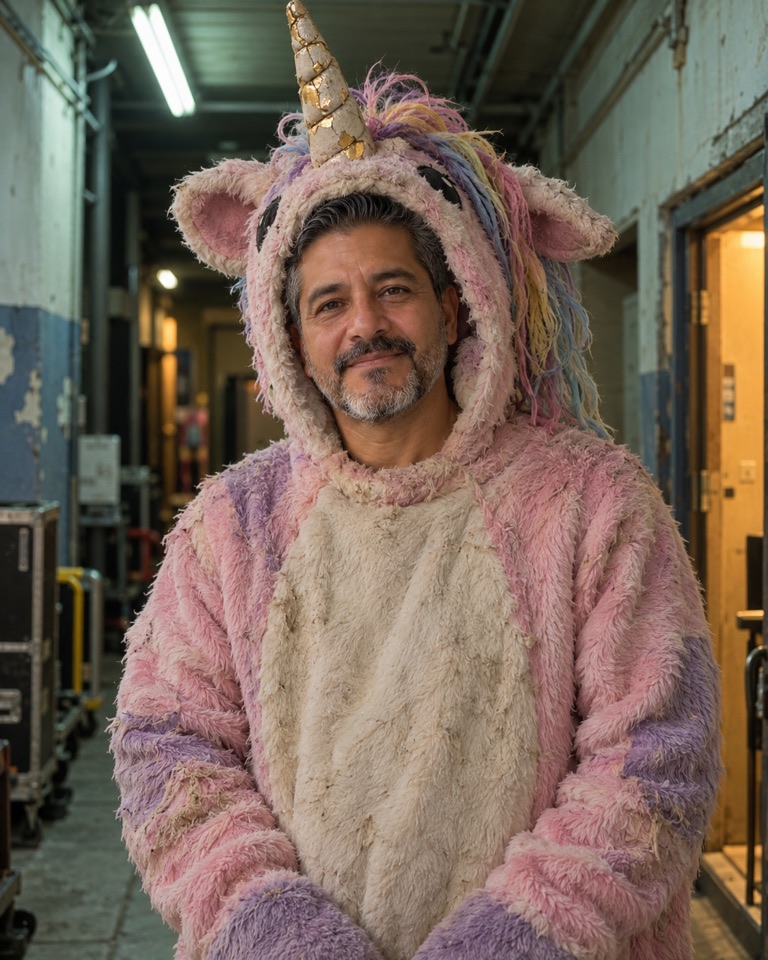
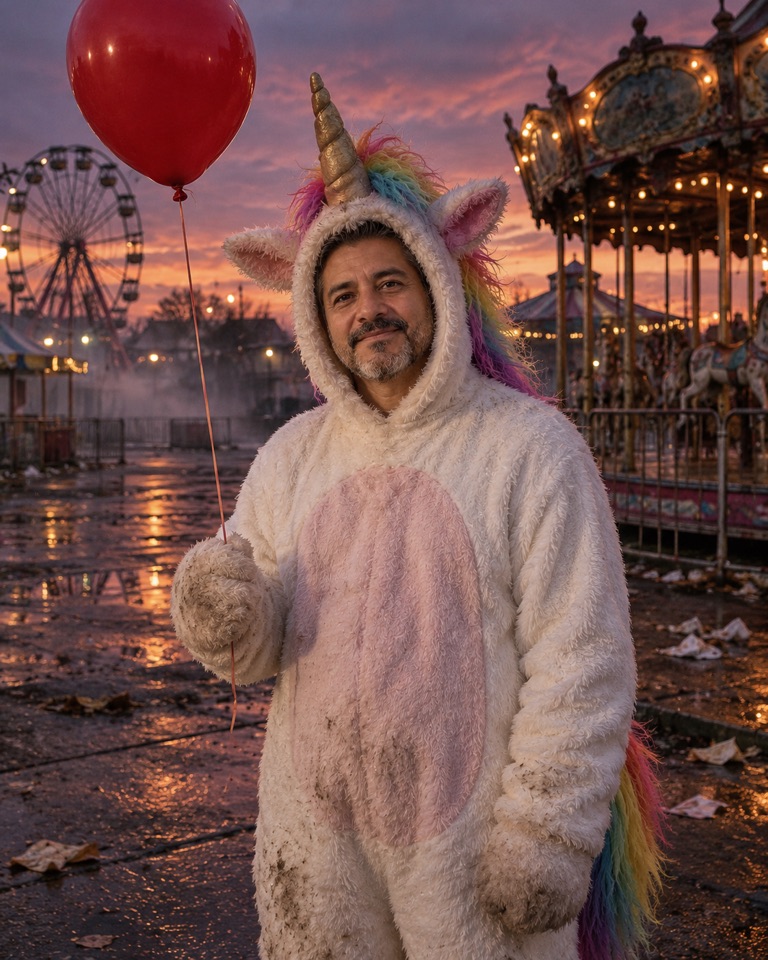
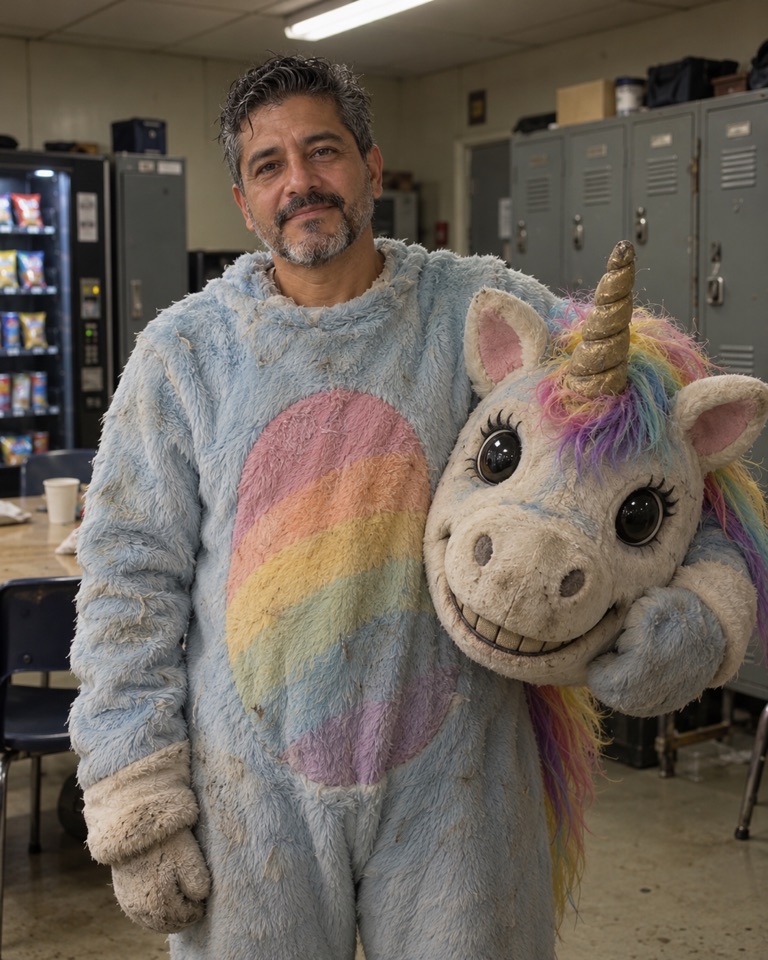
The appeal is the contrast. A unicorn is the most innocent costume there is; a unicorn mascot that is slightly worn out, stares a little too long or stands alone in an empty fairground becomes a horror costume without any blood. That is why the trend is easy to join with your own design, and why you do not need, and should not copy, the film's exact character.
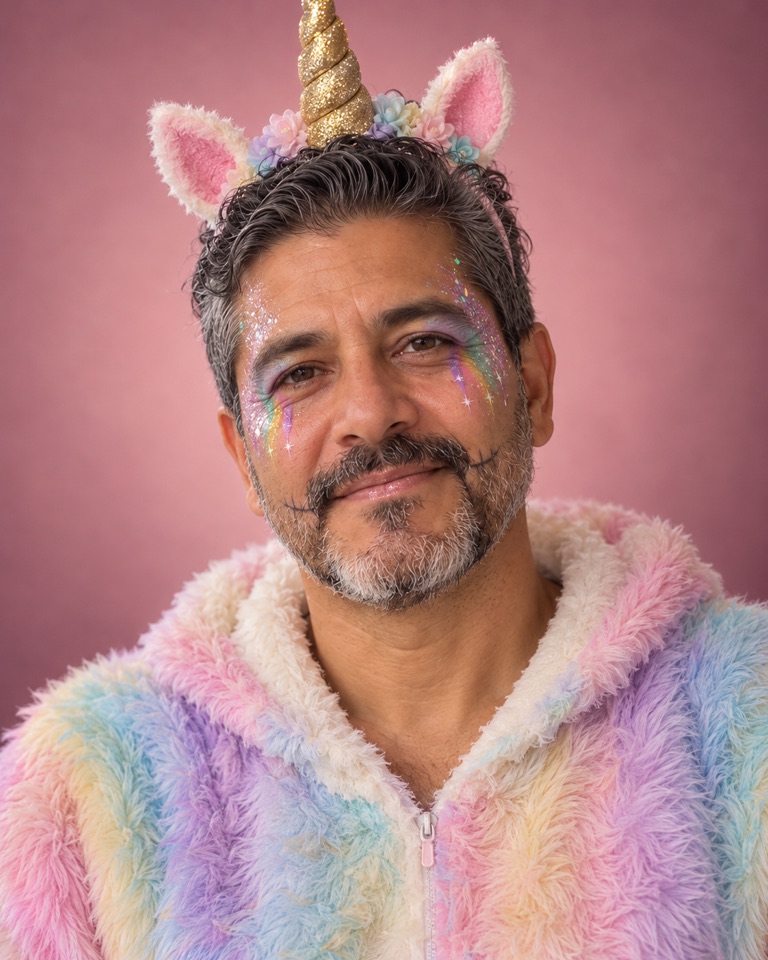
This page is not affiliated with the film or its makers. The looks above are original haunted-unicorn mascot designs that borrow the mood, not the character.
How the AI try-on works on MAI Image
MAI Image 2.6 Edit takes one to five PNG or JPEG references, each up to 15 MB and 16 megapixels, plus a written instruction. For a costume try-on, upload one clear photo of yourself as the first reference and paste a look's prompt. The prompt names what must stay (your face, skin tone, age, face shape) and what may change (costume, set, light).
You can add a second reference to steer the costume, for example a photo of a thrift-store onesie you are thinking of buying, and add a line such as "use the onesie from the second image as the base of the costume". Keep the edit to one idea at a time; if the horn is right but the light is wrong, run a second edit on the result rather than rewriting everything.
- Use a front-facing photo in soft daylight with your face and shoulders visible.
- Keep the face uncovered in your prompt. Full mascot heads hide the person and remove the point of the try-on.
- The panel shows the credit cost for MAI Image 2.6 Edit before you submit; MAI Image 2.6 Flash Edit is the lower-cost option for quick drafts.
- Only upload photos you have permission to use.
DIY: making a haunted unicorn costume for real
Once you have picked a look, most of it can be built from a plain unicorn onesie and a craft store. The "haunted" part is ageing and posture, not expensive props.
- Start with a hooded onesie A white or pastel unicorn onesie with a hood is the base for the funfair, fairground and party looks. Buy one size up so it hangs a little shapeless, like a used mascot suit.
- Age the fabric Dust it with a little brown and grey eyeshadow or dry pastel on the knees, cuffs and belly. Brush it in and shake off the excess. It reads as years of use from a few feet away.
- Rebuild the mane Cut the bright synthetic mane off and sew on chunky yarn in washed-out rainbow colours. Comb part of it so it frizzes and mats.
- Crack the horn Roll craft foam or card into a spiral cone, paint it gold, then paint a thin dark zigzag down one side and dry-brush it with dull ochre so it looks chipped.
- Finish with the face Use the glitter-horn look as a makeup guide: pastel glitter, small painted tear-tracks and faint seam lines. Keep your face visible; that is what makes it unsettling.
Kids' unicorn costumes: keep it sweet
Many people searching for a "kids unicorn costume" this year want the friendly version that a younger sibling can wear next to an older one dressed in the haunted look. For children, skip the cracked horn and stitched seams: a soft unicorn hood or headband, a bright rainbow yarn mane, a tutu or a hooded onesie in one clean colour, and a little face glitter are enough.
Practical notes for trick-or-treating: leave the face uncovered so children can see clearly, add reflective tape to the back of the onesie, choose a horn made of soft foam rather than stiff card, and make sure the costume is short enough not to trip over. The AI looks on this page are made for adults; do not upload photos of children you are not the parent or guardian of.